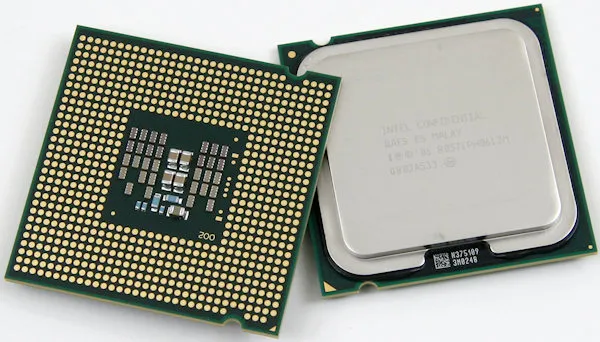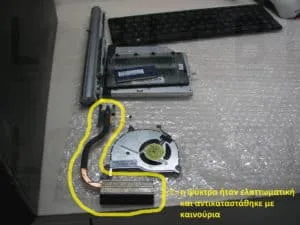


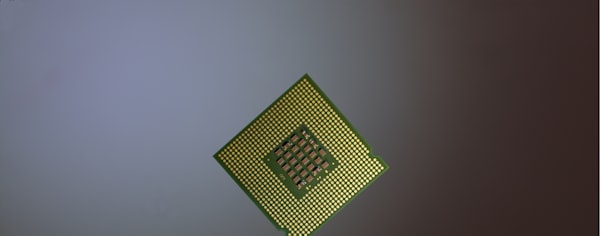
The processor or Central Processing Unit (Central Processing Unit or CPU) is essentially the brain of a computer. Here the term computer is used in its broad sense and does not refer only to electronic computers.
The evolution of technology has made processors necessary in various devices besides computers, such as tablets, mobile phones, televisions, watches, but also coffee makers, refrigerators, washing machines, etc.
The dominant manufacturers of processors for computers worldwide are the companies Intel and AMD, while Apple, NVIDIA and Qualcomm manufacture processors mainly for portable devices (tablets, smartphones etc.).
Intel and AMD are the dominant manufacturers of processors for computers worldwide
How a processor works
Since they were first released, processors have received enormous improvements and upgrades, but the way they work has remained essentially the same and consists of three basic steps: fetching, decoding and executing instructions.
During the fetch the processor receives an instruction from the RAM in the form of a series of numbers.
It then proceeds to decode this instruction and sends a signal so that the instruction can be executed.
Once the instruction has been executed, the results are stored in memory so that they are easily accessible to subsequent instructions.
Form and location
A computer's processor is a small square component that has small metal contacts (pins) on its underside through which the processor connects to the motherboard. The physical location where the processor connects to the motherboard is called the socket. It is very important when choosing a processor to make sure it is compatible with the motherboard it is intended for. NOT all processors are compatible with all motherboards.
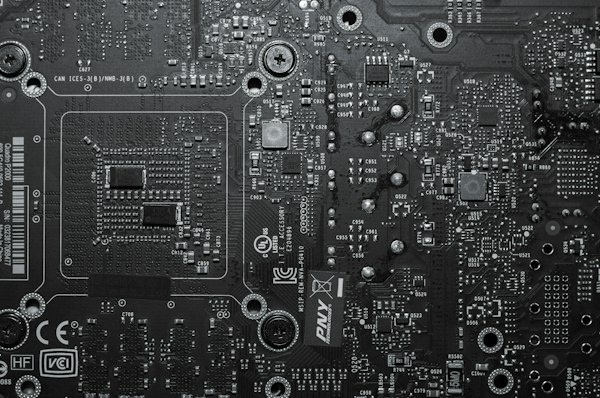
The location where the processor is placed on the motherboard is called the socket
Processor cores
When processors were first released they had only one core. As users' demands grew, however, a computer needed more and more processing power to operate. This need led to the creation of processors with two or more cores. Each core is essentially a new processor, so that more tasks can be performed at the same time.
Intel offers on some of its processors the Hyperthreading technology, which essentially creates virtual cores in the processor and so increases its performance. In this way a processor with 2 cores appears to the computer as though it has 4 cores.

The more cores a processor has, the more processing power it has, while Intel also offers Hyperthreading technology for even higher performance
Processor frequency
A processor's frequency is measured in Hertz and shows the number of instructions processed per second. For example, a processor with a frequency of 3.0GHz processes 3 billion instructions per second. A processor's frequency is a very important indicator of its performance and is often more important than its number of cores.
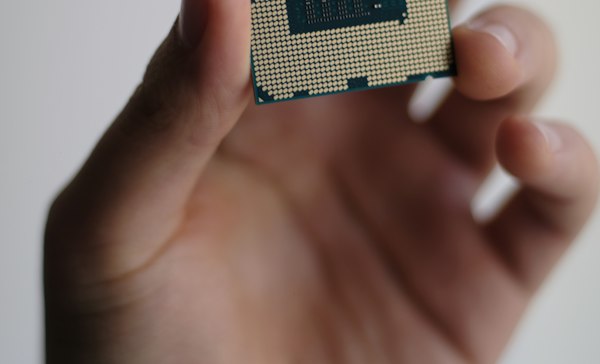
A processor's frequency is often more important than its number of cores
Processor cache memory
The processor's cache memory is a temporary storage memory that is faster than RAM memory, because it is built into the processor itself. The processor determines which data you use most often or which data will be needed to carry out the task you want to do, and stores it temporarily in cache memory. In this way it is retrieved extremely quickly and the various instructions and tasks are executed correspondingly fast.
The operating frequency, the cache memory and the number of cores are factors that affect the processor's performance and largely determine its capabilities. All of the above are the main characteristics and must be taken into account when choosing a processor.
There are, of course, other parameters that must also be taken into account in order to choose the best processor for your own personal needs. For example, if you do video editing you may need a processor with many cores, while for gaming you should pay more attention to its frequency, since many games cannot use more than two cores.
You should choose the processor based on your own needs, especially if you use the computer for something demanding, such as video editing or gaming.
The processor is a component of the utmost importance to your computer's performance, but it can also be particularly expensive, so before buying it it is a good idea to visit a technician who will advise you on the best choice for your needs and budget.