


Cupcake, Donut, Éclair, FroYo, Gingerbread, Honeycomb, Ice-cream sandwich, Jelly bean, Kit-Kat, Lollipop, Marshmallow, Nougat and now Oreo.
All of the above are "sweet" versions of Android, the most widespread operating system in the world, with Google stating that it is installed on more than 2 billion active devices.
The Android operating system is installed on more than 2 billion active devices
How did Android start?
The Android operating system is used in smartphone mobile phones, in tablets, and even in televisions and wearables, such as smartwatches. When it first started, however, Android was created to improve the functionality of digital cameras. Specifically, through this operating system the camera could connect wirelessly to a computer and the photos would then be saved to some cloud service.
The operating system did not manage to change the world of cameras, but it did change that of mobile devices.
Interest in the new software was big from the start, with the result that in 2005 Google bought it and developed it for mobile phones. Android was based on the Linux operating system and was made freely available to third-party manufacturers so that it could be used in their devices.
So in 2008 the first mobile phone with Android 1.0 was released in America, with many well-known Google functions built in, such as the Google Maps app, YouTube, and a browser that used the company's search engine. It also included Android Market, the first version of Play Store, for downloading apps.

Google bought 2005 the Android operating system and developed it for mobile phones. 2008 released the first mobile phone with Android 1.0
Since then several versions of the operating system have been released with many new features and of course with "sweet" names:
- Cupcake (Android 1.5): The first "sweet" from Google was released in April 2009 and, among other things, allowed users to upload videos to YouTube, while supporting automatic screen rotation.

- Donut (Android 1.6): In September 2009 Android 1.6 offered coverage for CDMA networks, the Quick Search Box on the home screen for searches both on internet and on the device, and could be used on screens of different resolutions.

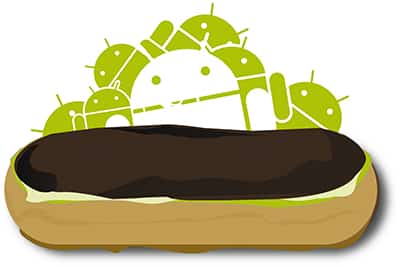
- Éclair (Android 2.1): In October 2009 Android supported voice commands, live wallpapers, navigation via Google maps and the ability to connect more than one account to the phone.
- Froyo (Android 2.2): Released in May 2010, it significantly improved processor performance and the voice commands feature.

- Gingerbread (Android 2.3): NFC first appeared in 2010 with Gingerbread, which was a better operating system for game apps and for managing the device's battery.
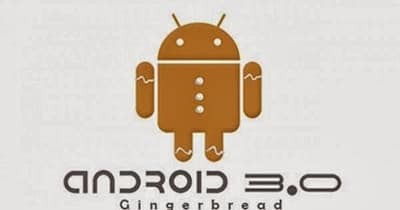
- Honeycomb (Android 3.0): In February 2011 this version was released for use mainly on tablet. A distinctive feature was the toolbar at the bottom of the screen with the Menu, Home and Back buttons.

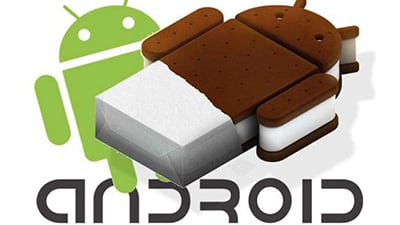
- Ice Cream Sandwich (Android 4.0): In October 2011 the new version of Android incorporated the features of Honeycomb for phones. It also gave the ability to control internet data, and was the first version to support unlocking by taking a photo of the user.
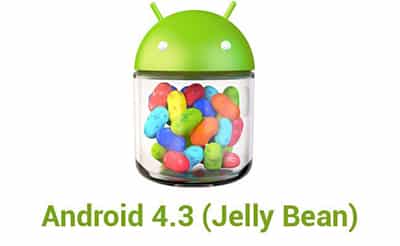
- Jelly Bean (Android 4.1-4.3): These versions were released from June 2012 to July 2013. Among other things, the Google Chrome browser for Android was fully supported, graphics became faster and touch responsiveness improved.
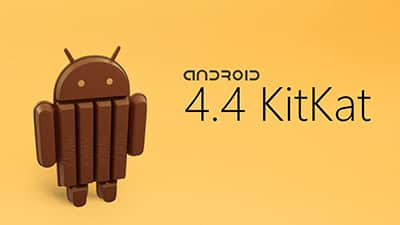
- KitKat (Android 4.4): Released in September 2013, it did not have many new features, but one of them was decisive: it was built to run on phones with little RAM. This allowed the operating system to be installed on affordable devices and to spread widely.
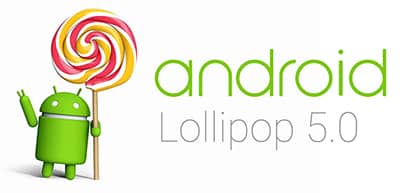
- Lollipop (Android 5.0): 2014 first appeared and its completely new look made using the phone even easier. Notifications appeared on the lock screen with the option for the user to take actions, while the next upgrade of the version added support for dual SIM cards and device protection options, so that no third party can access it even after a factory reset.
- Marshmallow (Android 6.0): This version appeared in 2015 and supported unlocking the device with a fingerprint, the use of USB Type-C, and the Android Pay feature. It also uses the phone's battery more smartly so that it lasts longer.
- Nougat (Android 7.0): The version released in 2016 supported multitasking, and allowed faster switching between apps. The changes made apps faster, while allowing the use of the virtual reality platform by third-party manufacturers.
- Oreo (Android 8.0): The latest version of Android has new features, new functions and changes in appearance.
We will present Android Oreo in detail in our next article.