

Although the actual operating time of a battery depends mainly on the condition of the battery, and also on how each person uses their laptop, there are some general rules that help us increase our battery's operating time.
- Disconnect peripheral devices from your laptop (20%-30%)
When you want to use your battery for as long as possible, it is good to disconnect the various peripheral devices. These include mice and keyboards (especially illuminated ones), flash drives, external hard disks, etc. It is also good not to use CDs and DVDs when you are trying to reduce battery consumption, since the amount consumed to play them is significant.
To make your laptop's battery last longer, disconnect the various peripheral devices, such as keyboards and mice (especially illuminated ones), flash drives, etc.
You will often hear the advice that to reduce energy consumption you should also turn off those laptop devices that you do not use, such as the camera, the infrared port or even Bluetooth and Wi-Fi. After tests carried out on laptop with these devices enabled and disabled, it appeared that the time the battery lasted increased by 3%-4%, that is, within the margin of error of the test.
Special mention should be made of Wi-Fi which consumes significant energy and reduces battery life, but only when there is no good signal or when the device is searching for a network to connect to.
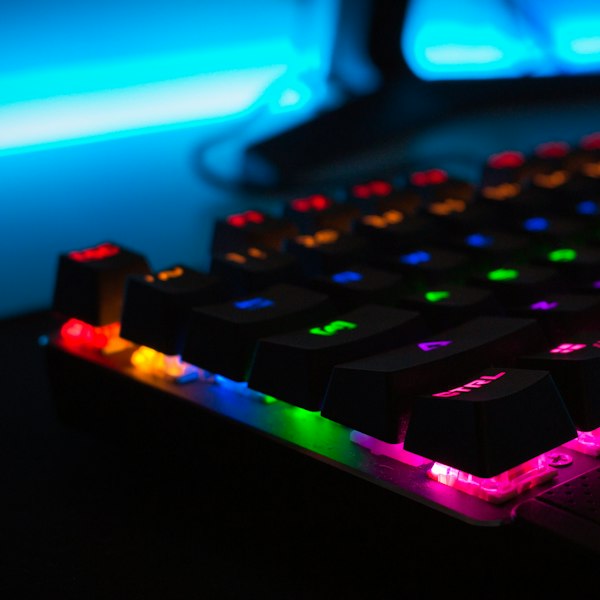
- Turn off the illuminated keyboard (about 16%)
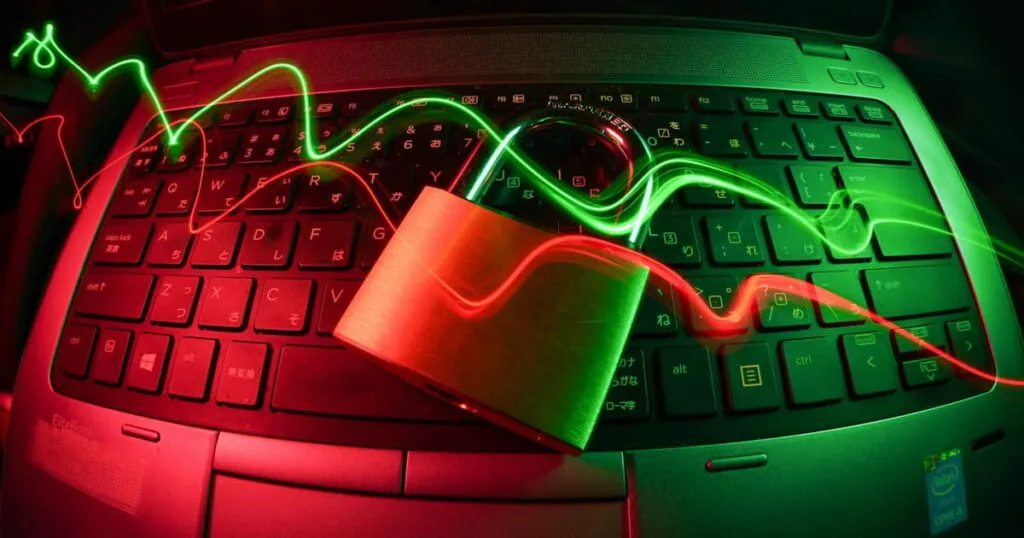
Certainly having the laptop's keyboard illuminated helps a lot, especially when you must use it in low-light conditions. The energy consumed for this lighting, however, significantly reduces the time your battery lasts.

The illuminated keyboard significantly reduces the time the battery lasts
- Reduce the screen resolution or brightness (16%-20% and 6%)
Another way to consume less energy is to lower the screen brightness on the 50%. With this option you increase battery life by about 16%. The striking finding of the research was that if we reduce the brightness to the minimum we will not double this percentage but will increase it only by an additional 4%.
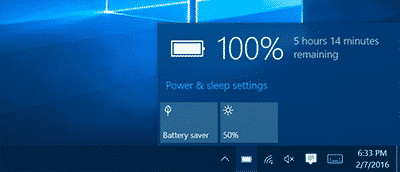
By reducing the screen brightness to 50%, you increase battery life by about 16%
Another saving function is reducing the screen resolution. The gain is so small, about 6%, that it is probably not worth the very poor user experience.
- Background apps (up to 50%)
Another way to increase how long your laptop's battery lasts is to close the programs and apps you do not use. Programs running in the background may consume quite a lot of energy, so close whatever is not absolutely necessary. From extra tabs in browser to fax and print services, there are many small functions that run but are not necessary at that moment. By turning them off you can gain the extra time you need.
- Avoid media playback (up to 40%)
This is not always feasible, since we do not take the laptop with us only for work, but also for fun, to watch videos or listen to music. Playing video and audio consumes quite a lot of energy, but you can save if you reduce the video resolution and mute the sound completely. If you absolutely want sound, use headphones.

To consume less energy, avoid playing video and audio, or use headphones when you listen to your music on your laptop
- Power plans (up to 50%)
The best way to manage energy consumption on your laptop is to use a power plan with low-consumption settings. It can give the battery up to 50% more life since it manages all consumption smartly.
- Set the laptop to go to sleep quickly
Even when you are not doing anything on your laptop, if it stays on, it consumes energy. When you set the device to enter sleep mode in the shortest possible time, the energy consumed is reduced and the battery ultimately lasts longer.
The laptop consumes energy just by staying on, so set it to enter sleep mode in the shortest possible time
The performance of the laptop's battery naturally drops over time. If you take care to keep it in good condition with proper charging and use, and if you follow these simple tips, you may even see its lifespan double.