



It has certainly happened to you too: the amazing phone you bought just two years ago now seems outdated and sluggish!
Is it possible for a device that is practically new to perform so differently a few years after its release?
Yes, not only is it possible for this to happen, it is also logical. Let us look below at the main reasons our devices become slower as time passes:
- Operating system and app upgrades
On no phone does the operating system remain unchanged. On the contrary, it is constantly upgraded, both to make new features available to users and to fix any bugs and security holes in the software.
Although updates aimed at closing security holes usually do not burden a device's operation, operating system upgrades that also include new features for users may have the opposite effect.

The operating system on a phone is upgraded from time to time to close any security holes and add new features
The new features released with each upgrade need more processing power to run and sometimes more memory too.
- Many installed apps
Modern devices allow users to download and use many different apps. Sometimes, however, it is easy to get carried away by the variety and download dozens of apps to your phone, of which you use only a tiny fraction.
Most apps "open" when the phone is turned on and run in the background without the user realizing it. They thus consume a lot of processing power as well as RAM memory, and the device is burdened and works much more slowly.

Many apps consume a lot of processing power and RAM memory and burden the device
- Very little free storage space
Whether because of the many installed apps or because of the large volume of files we all store on our phones (photos, videos, etc.), the storage space of the device that remains free is usually minimal.
This happens because the operating system and apps need to "try" harder to find free space to store new data.
- Old battery
Phone batteries "age" relatively quickly. After 2-3 years of use it is considered normal for a battery to lose its performance and for the time it lasts to be noticeably reduced.
This happens because as the battery ages it begins to show resistance to the flow of current. Because of this it heats up more and, as a result, the temperature inside the phone rises. The increased temperature causes the processor to overheat and of course to underperform.
And of course we all remember what happened a few years ago with Apple devices, which through an operating system update slowed down older devices on purpose, so that the battery would last the same and it would not be apparent that its lifespan had dropped.
Although Apple fixed the problem shortly after it was revealed and phone manufacturers with the Android operating system state that they do not follow this practice, it is not strange for mobile device processors to reduce their performance when the power supply from the battery is not stable.

It is likely that the processors of mobile devices reduce their performance when the power supply from the battery is not stable
So if you too want to make your phone a little faster that still has days of life ahead of it, you can change its battery if you see that its duration has dropped a lot and try to lighten it of unnecessary files and apps.
A good solution, depending on the case, is to reset the phone to factory settings and then install on it only the apps and files that you really need and use.
Even if you do all of this, however, do not expect to have a device like new in your hands. What mainly burdens the performance of a phone are the upgrades of the operating system and apps. Manufacturers release the new upgrades with the newest devices in mind, which have greater capabilities, with the result that slightly older phones cannot keep up with the same speed and ease.
The same thing happens with apps. In trying to offer the end user more and more services, the companies that create the various apps release updates with new functions and features that try to exploit the hardware (hardware) of the new devices. Somewhat older devices with lower-spec hardware understandably cannot keep up and are slow or freeze.
The solution to this problem seems simple: one just needs to turn off updates for the operating system and apps, right? Of course not! In no case is not updating your phone's software regularly the recommended solution, since that leaves it vulnerable. As we have said in the past, the updates released from time to time include fixes for any bugs and security holes in the software and, as a rule, should be installed on devices.

Always keep your device updated, otherwise you leave it vulnerable to bugs and security holes
What can finally be done?
To be honest, no substantial change can be made that will make your old phone significantly faster. The companies that release operating systems and apps are always oriented toward the newer, more powerful devices, often leaving older ones behind.
Of course this does not happen by chance. Manufacturing companies always want to turn the attention of the buying public to the new, fast, high-performance devices being released and to push consumers to upgrade their phone to a new one every 1-2 years or so.
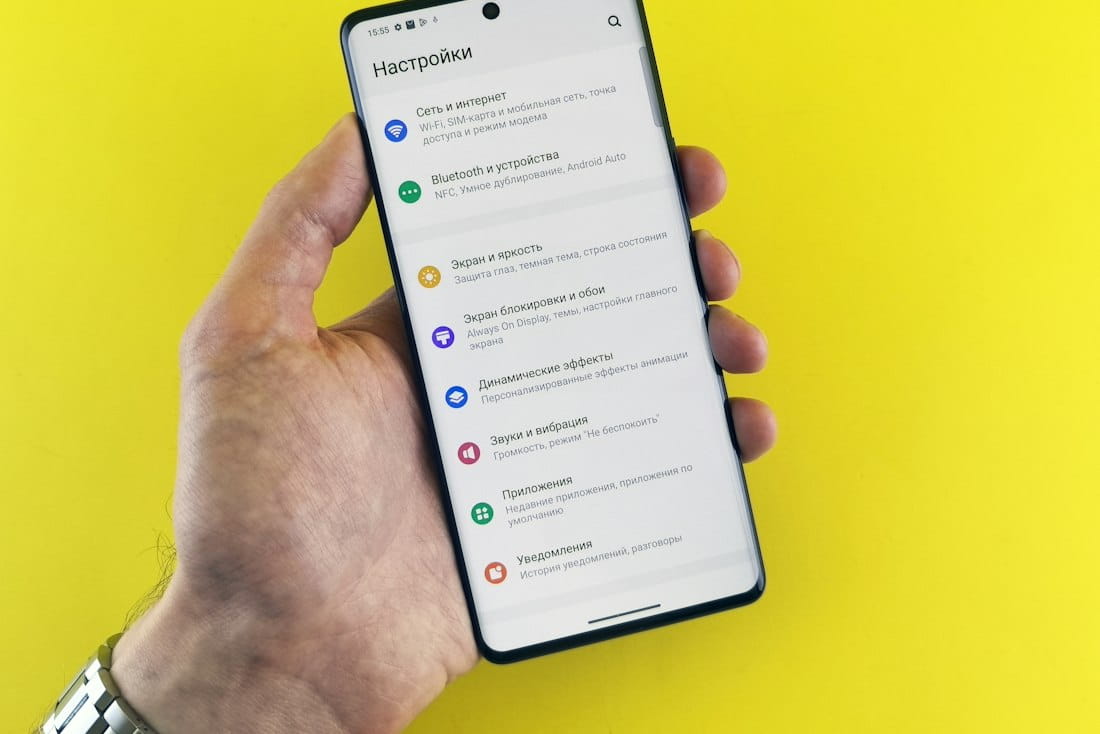
Companies turn attention to new devices and push consumers to upgrade their phone every 1-2 years or so
What we suggest is that you try the solution of "lightening" your phone of unnecessary files and apps to see at least a small improvement in performance.
Realistically, though, the options for the user of an "old" device are two: either to put up with the freezes and delays of the device they have, or to buy a new one.


